On this page
clock_arrow_down
Downgrade with eos-shifttime
Downgrade your Arch packages by using the eos-shifttime utility tool.
Using
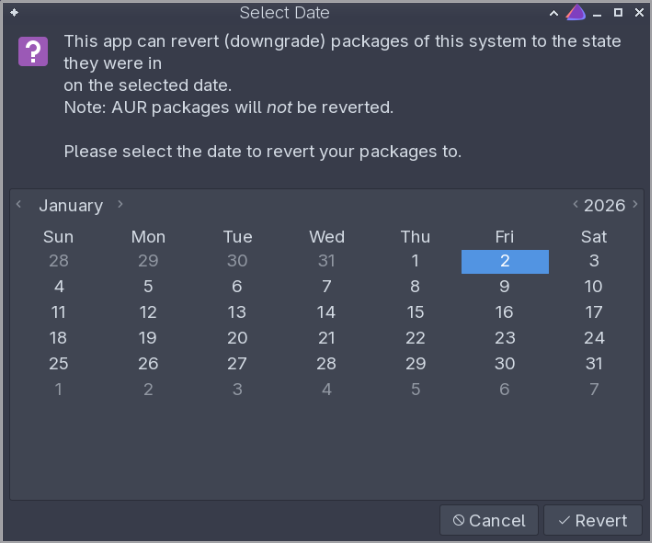
eos-shifttime does not revert AUR packages. The downgrade only applies to official Arch packages from the archive repositories.The eos-shifttime application can revert system packages to their state at a specified date.
Open a terminal window and run
eos-shifttimewith root permissions.Select the date to revert to on the GUI window, then click Revert.
Reboot to apply the changes.
Set up a downgrade shortcut
To set up eos-shifttime to conveniently run from the Welcome app, follow the steps in the Adding own commands guide.
The full eos-shifttime script can also be viewed at /usr/bin/eos-shifttime. It was formerly known as the “Easy Downgrade by Date” tool.
Last updated 12 May 2026, 14:09 -0700.